Native experience
Built entirely with Swift, SwiftUI and AppKit. It feels like the rest of macOS — because it is macOS.
NATIVE · COMPACT · PRIVATE
A native macOS app that nudges you to rest your eyes, relax, and move — quietly, on your schedule.
No bundled browser engine, no telemetry, no clutter — just a thoughtfully built Mac app that helps you form healthier habits.
Built entirely with Swift, SwiftUI and AppKit. It feels like the rest of macOS — because it is macOS.
No Electron, no embedded runtime. Just a few megabytes on disk and a memory footprint to match.
Native compilation and rendering keep overhead low so your Mac stays cool and responsive.
Eye care, 50/10, Pomodoro, or your own — with customizable break intervals, durations, and snooze rules.
Windowed or full-screen. Solid color, gradient, or image background. Multi-display friendly, all the way.
No account, no ads, no network calls. Your settings and break history live only on your Mac.
Choose a corner card that gets out of the way, or take over the screen and step back from the keyboard. Both work, both switch in one click.
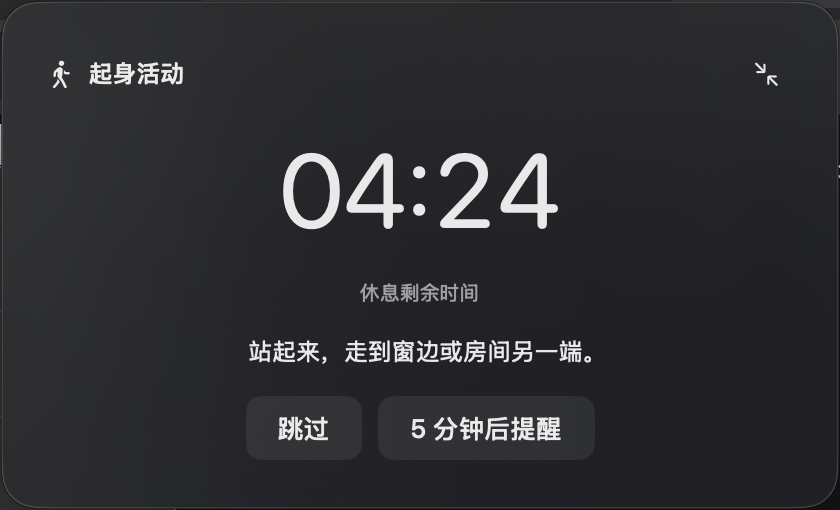
Standard, Small, Mini — or fold it down to a sliver when you can't step away. Quietly there, never in the way.
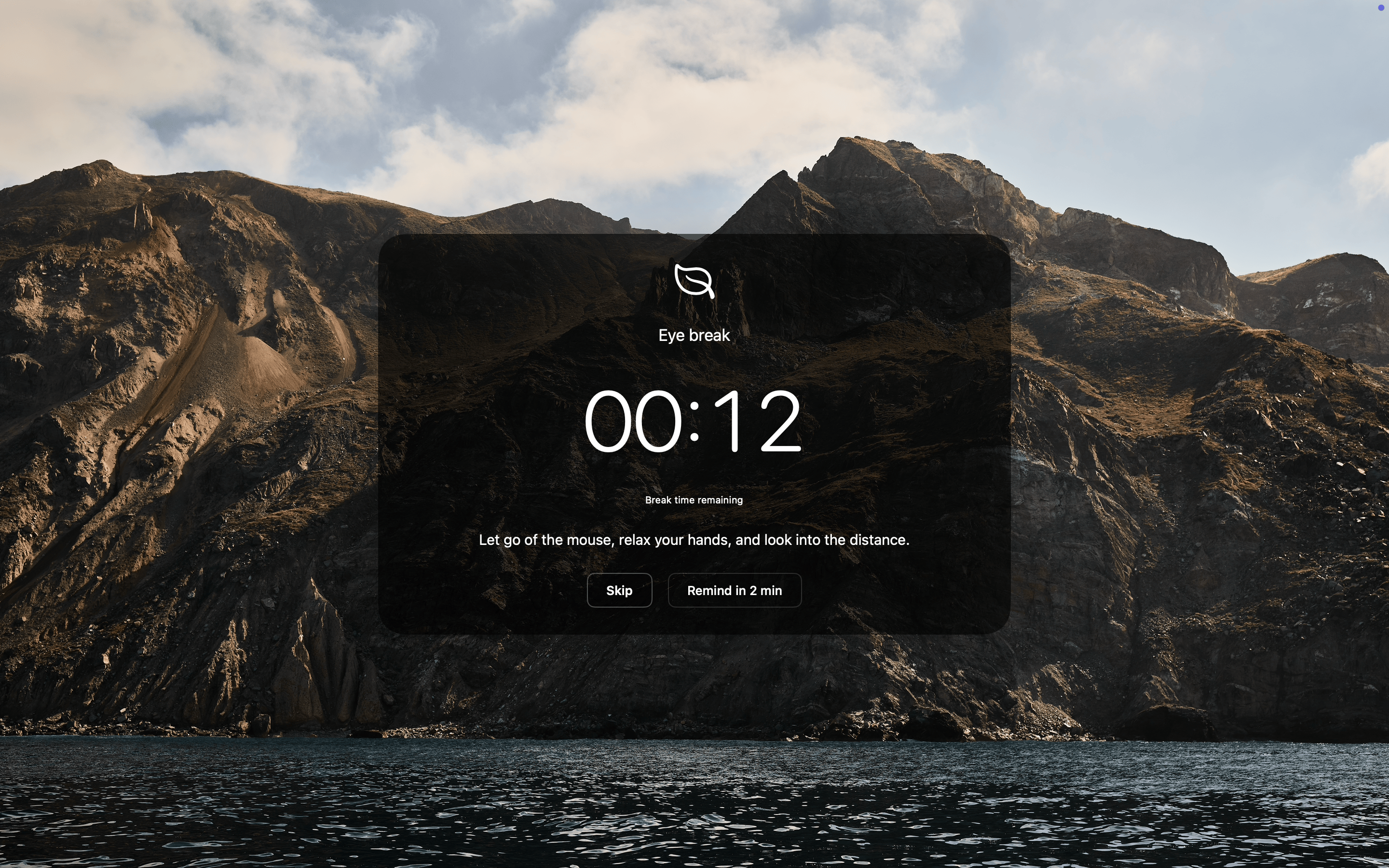
Solid color, gradient, or your own image — across every display. The break takes the whole screen, so you actually take it.
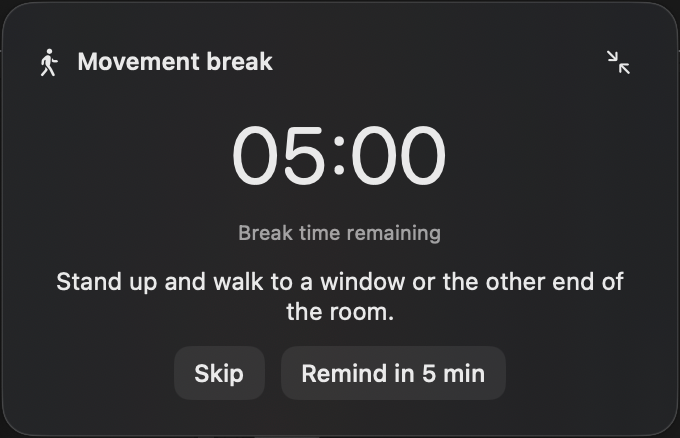
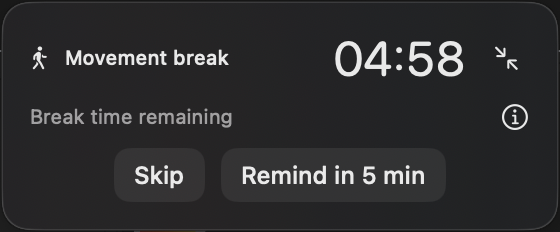
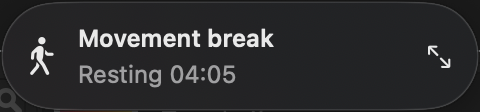
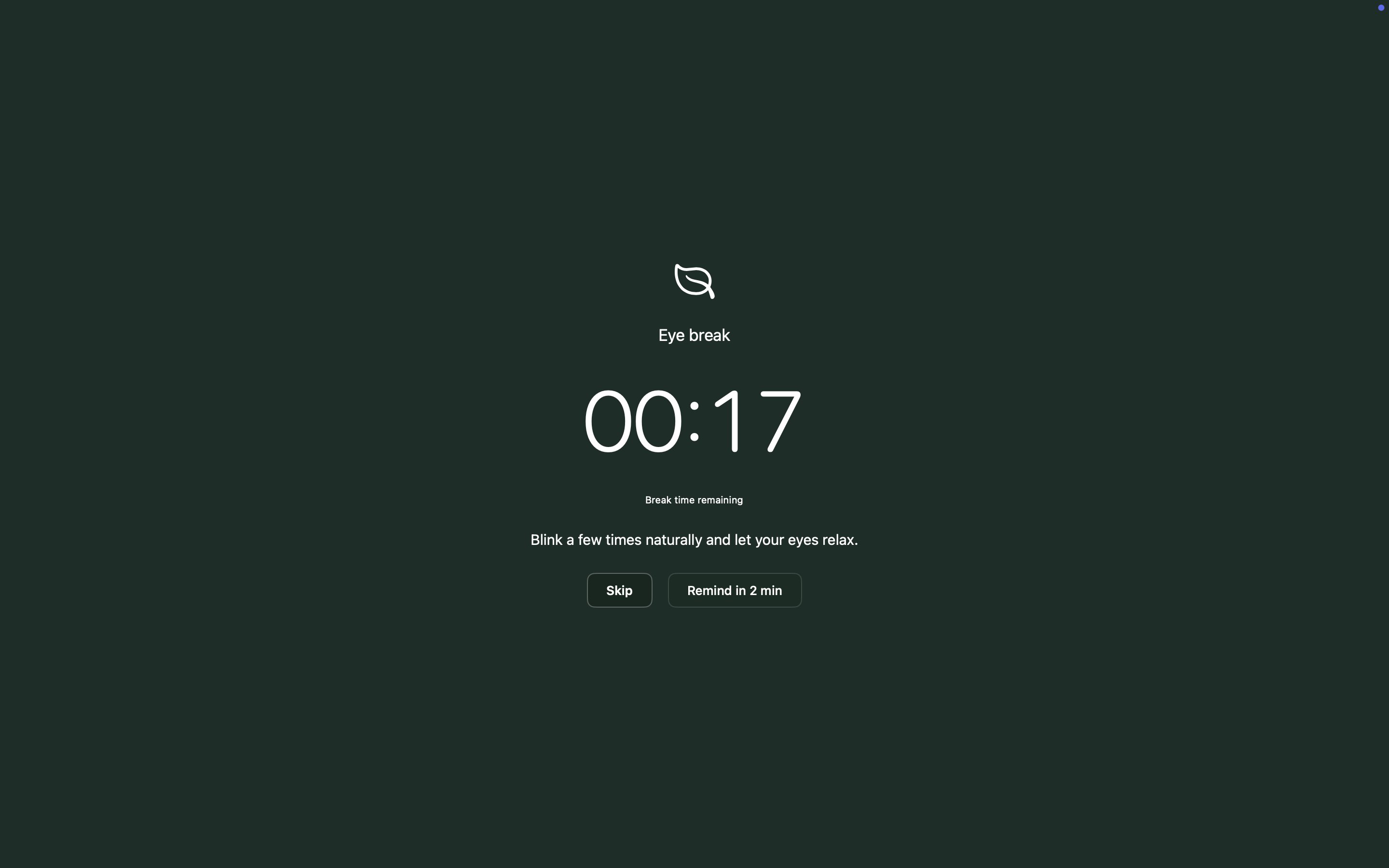
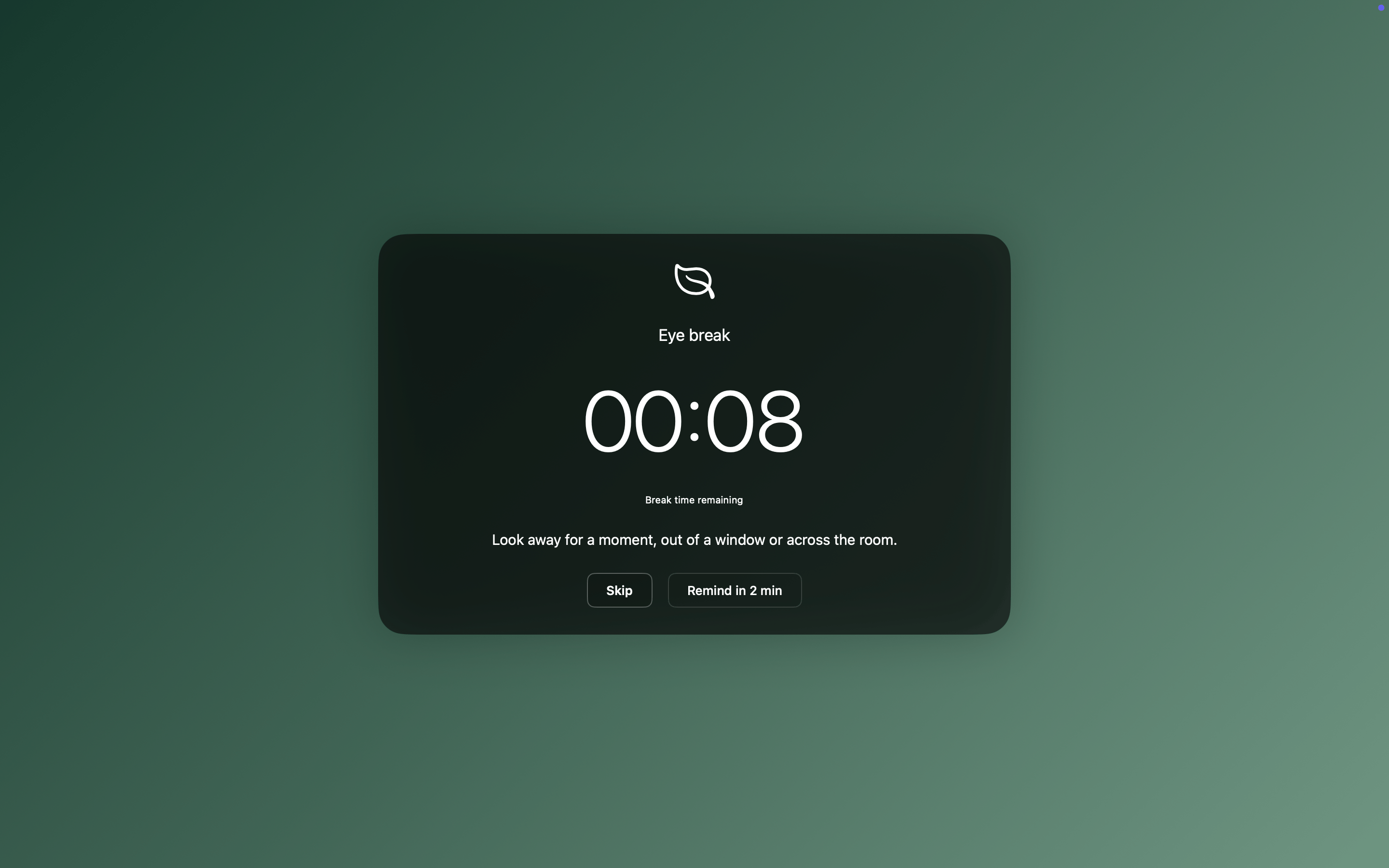
Working hours, idle detection, full-screen app awareness, menu-bar quick actions — every detail considered, none of them mandatory.
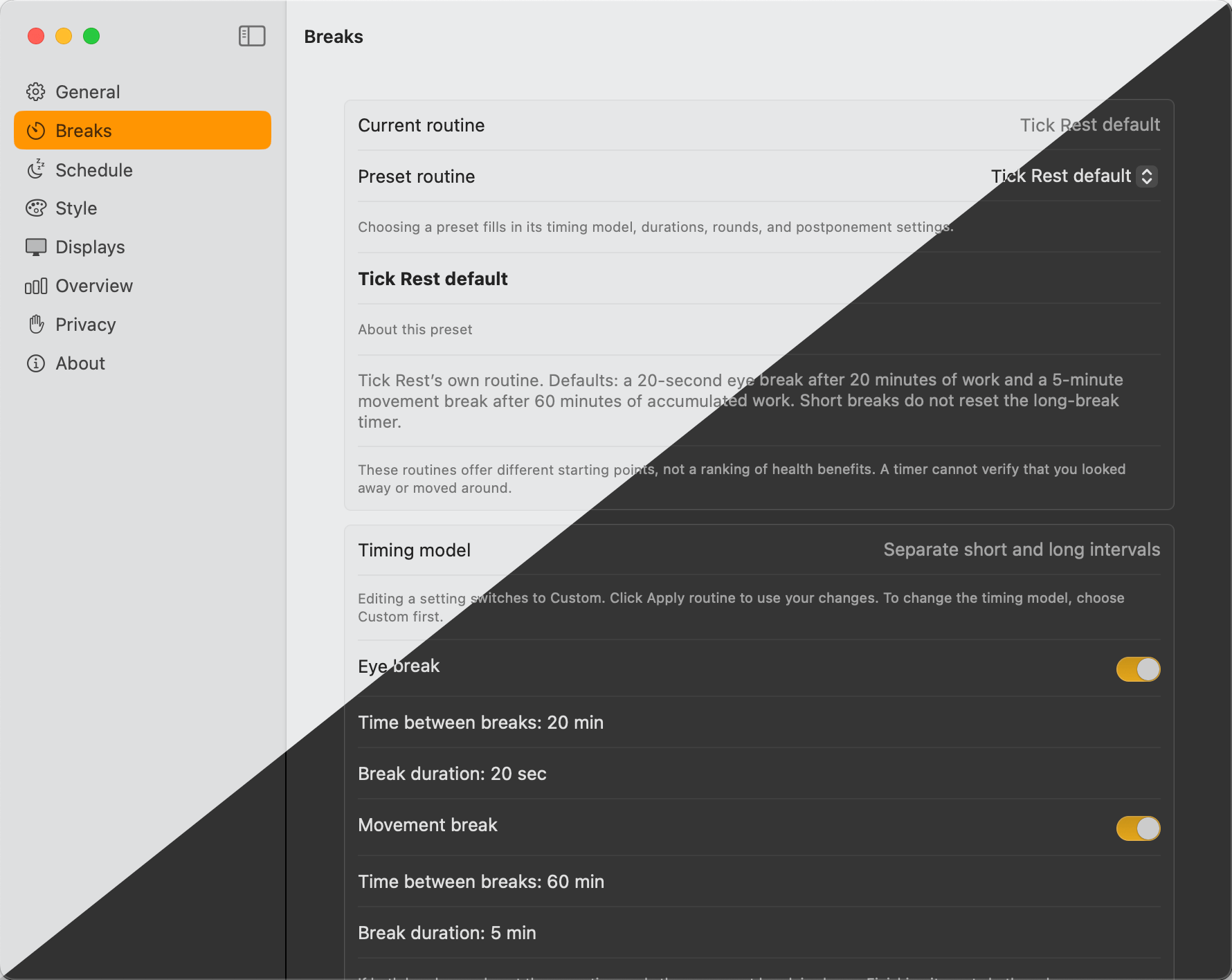
Built-in presets for eye care, 50/10, and Pomodoro. Fine-tune interval, duration and snooze — or build your own.
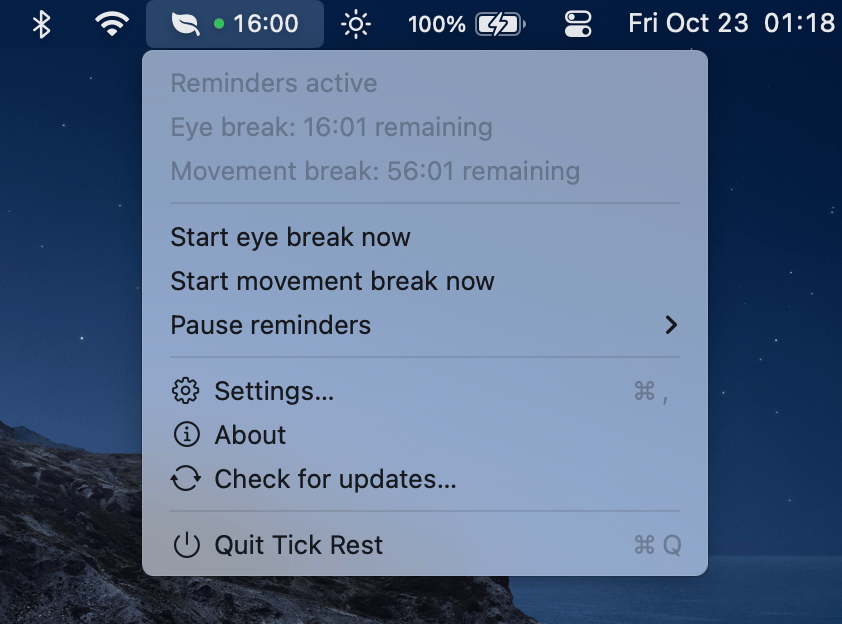
See the next break at a glance. Start a break, pause reminders, or open Settings — all from the menu bar.
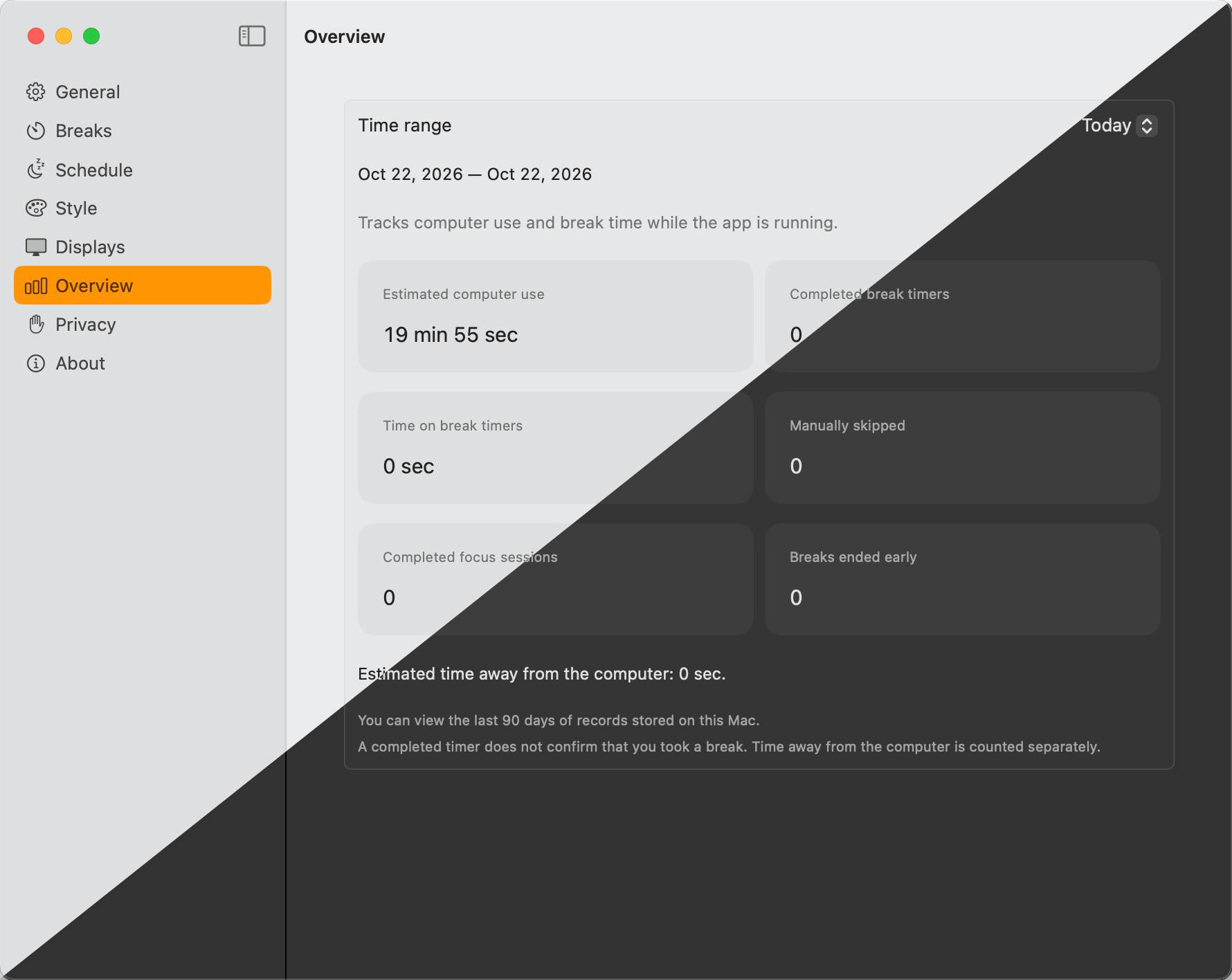
A quiet log of how and when you took breaks. Set your own gentle accountability, no dashboards required.
Free, open source, and signed locally. Pick what fits your Mac.
macOS 13 (Ventura) or later
brew install --cask fthux/tap/tickrestor download the ZIP from GitHub Releases:
arm64 for Apple Silicon, x86_64 for Intel, or universal for both.A native Windows version is on the way
We're bringing the same native feel to Windows. Sign up at the GitHub repository to follow along — the project is open source and contributions are welcome.
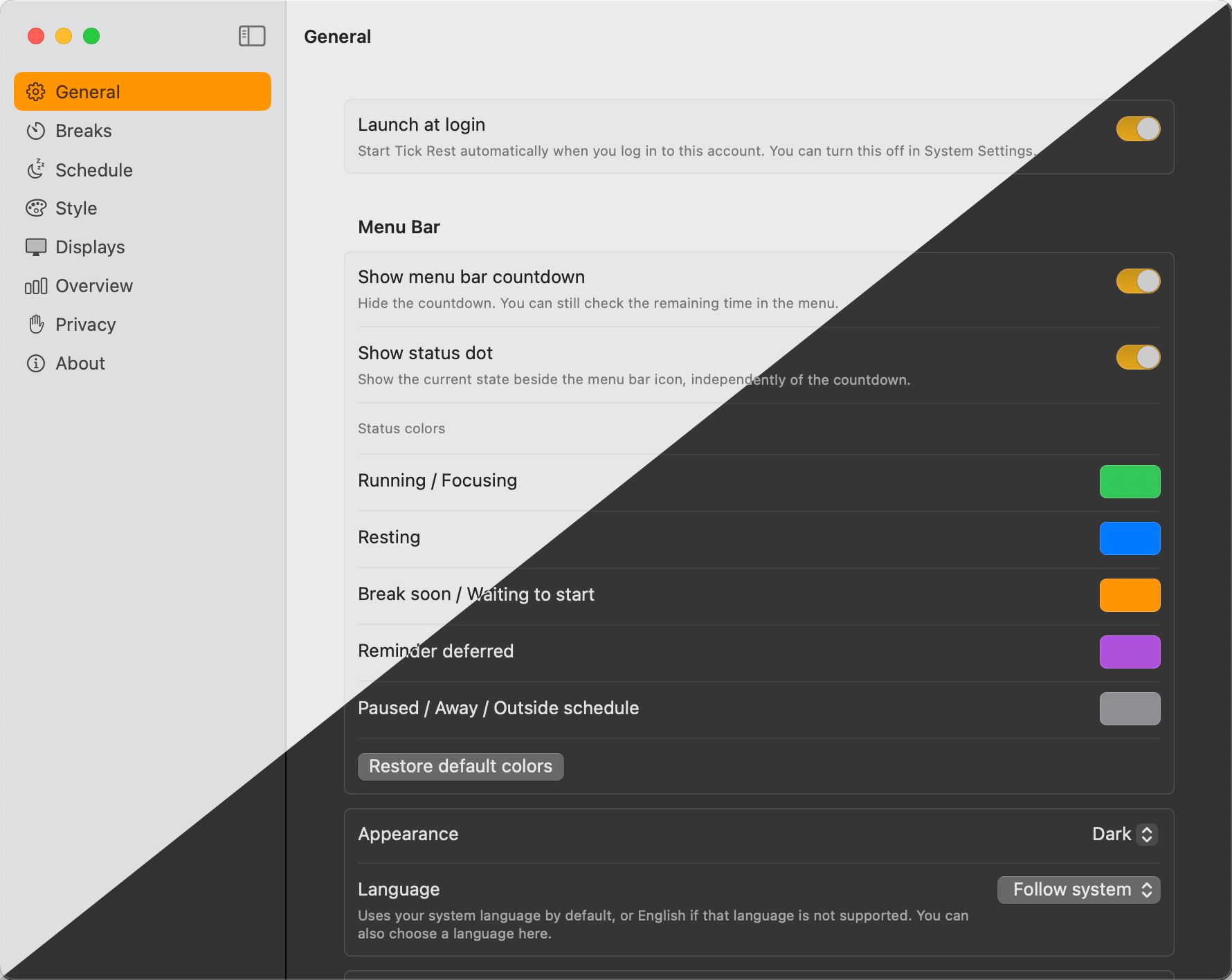
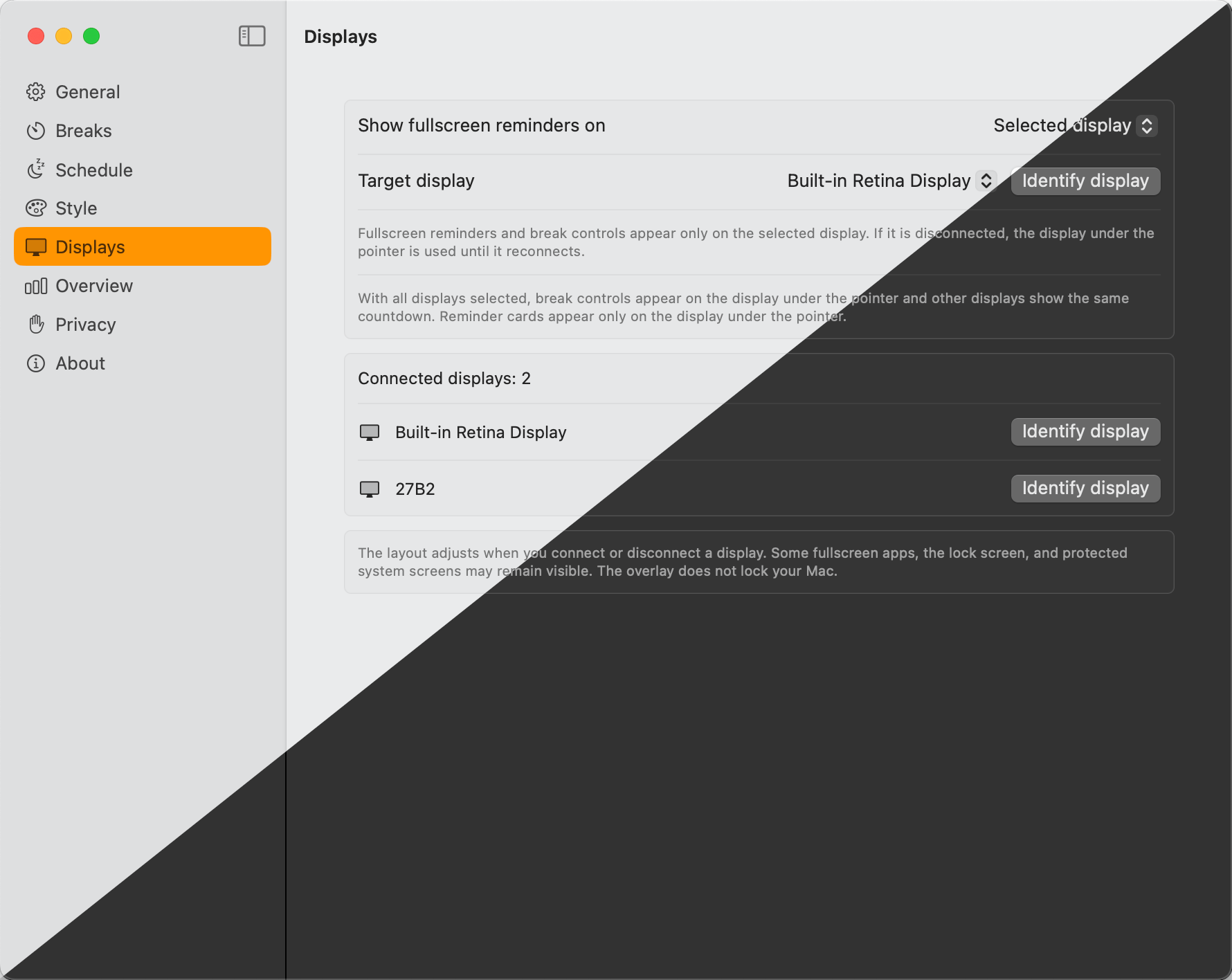
Every screen designed native-first. Light and dark appearances supported throughout.
Appearance, language, launch-at-login — the essentials, grouped together.
Pick a preset or roll your own. Adjust intervals, durations, and snooze rules per break type.
Limit reminders to the hours you actually work. Outside that window, Tick Rest stays silent.
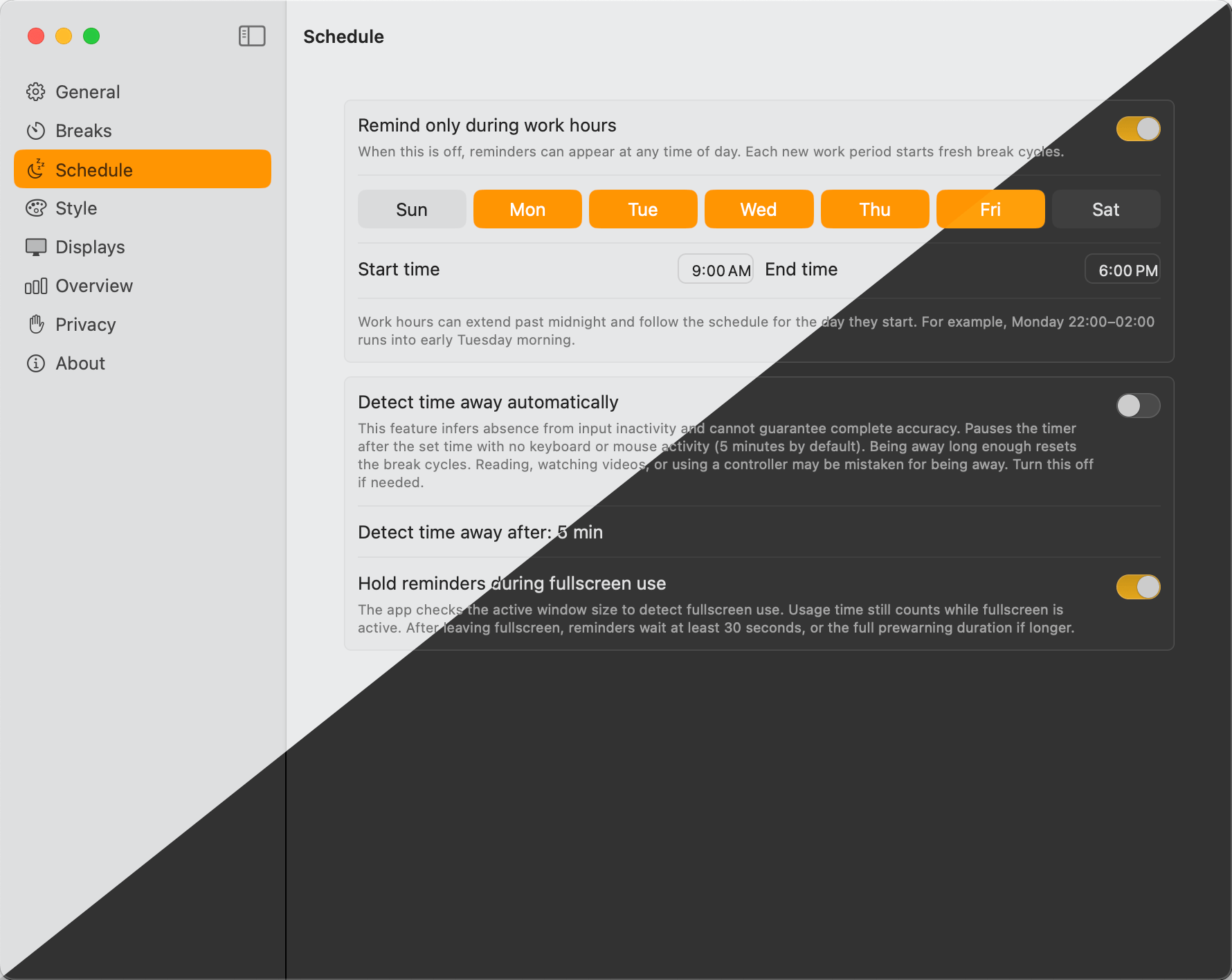
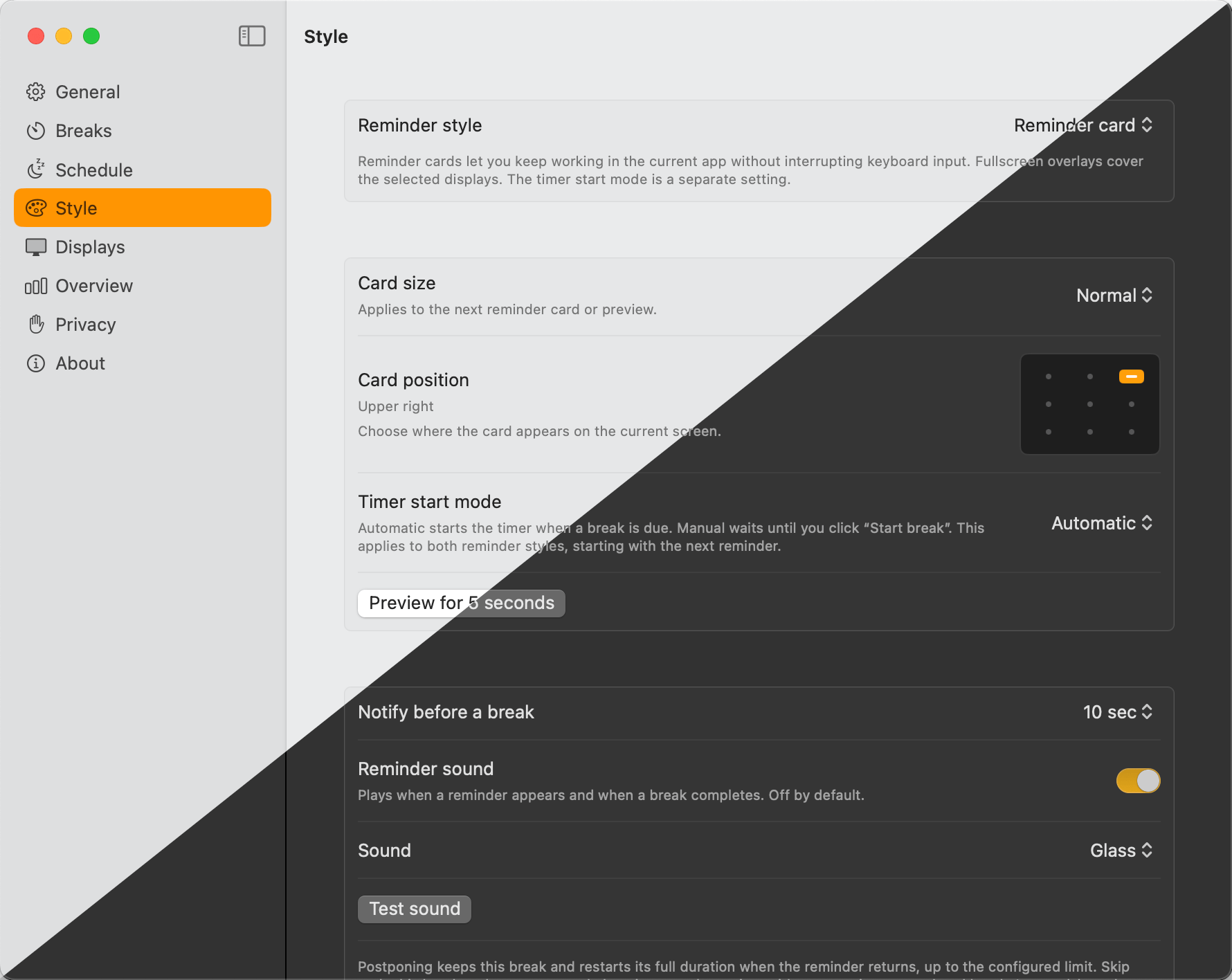
Three sizes and a collapsed state. Choose the one that fits your workflow.
A two-color gradient that fills every connected display, then fades when the break ends.
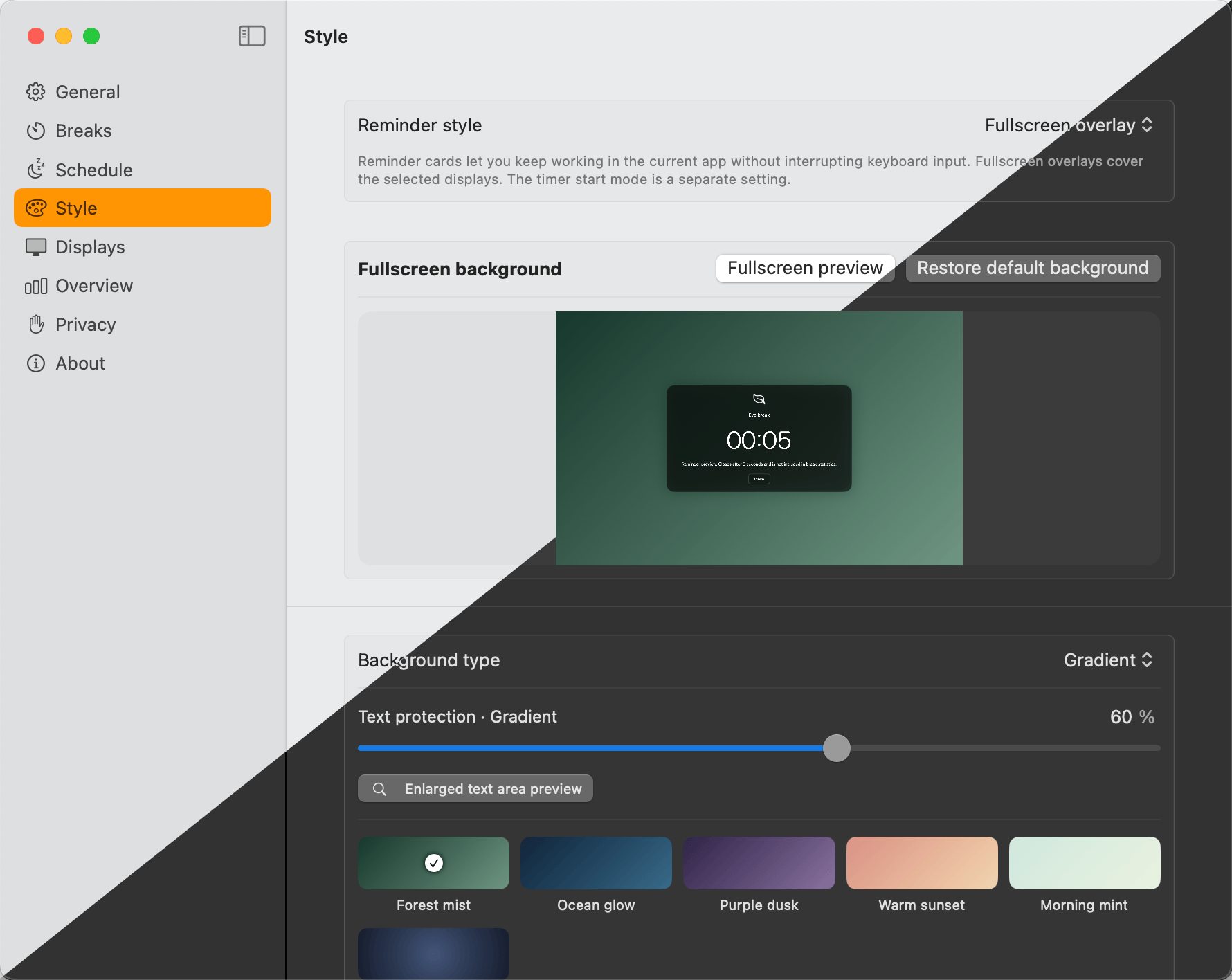
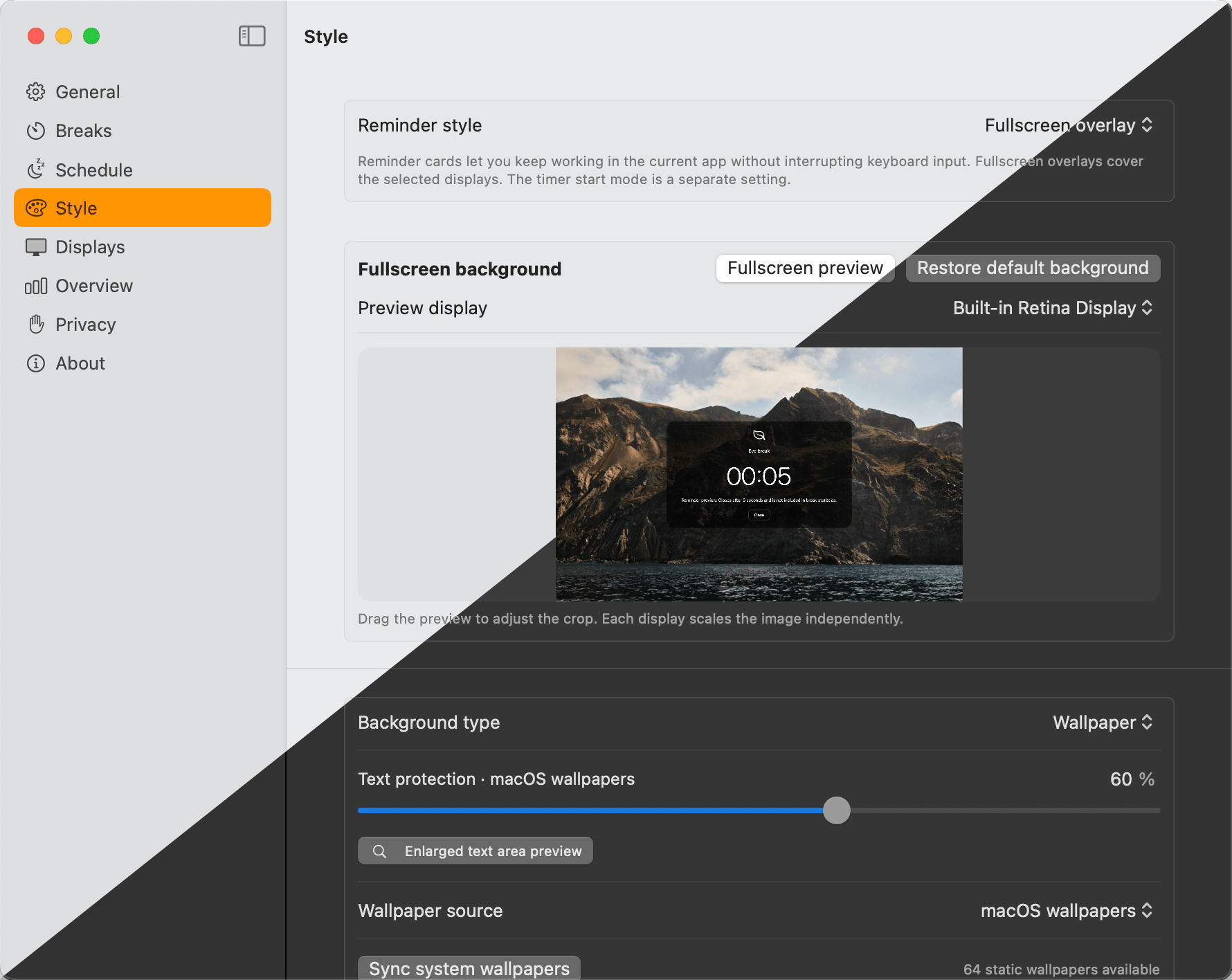
Set any image as the break backdrop. Useful for prompts, breathing exercises, or a calm view.
Choose where reminders appear, on which monitors, and at what corner.
Track how consistent you are with breaks, per day and per type. No stats exported, ever.
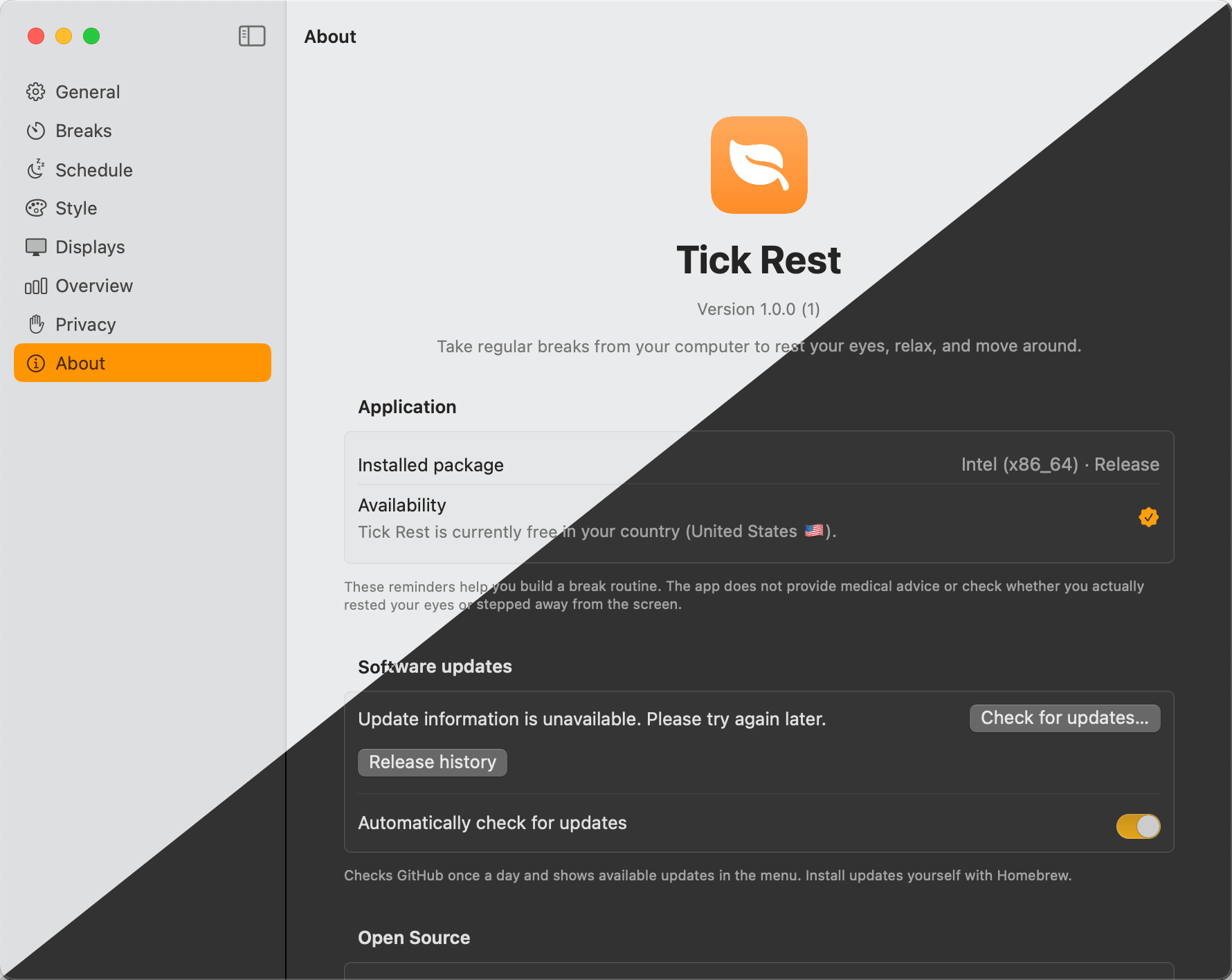
Version, license, and credits — exactly where you'd expect them.
Install Tick Rest in seconds, then forget it's there — until it's time to look up.